
FROM THE EVIDENCE TO THE PROPOSAL
Show the damage. Explain the scope. Present the estimate.
Bring your branding, inspection photos, damage details and priced scope into a customer-facing PDF. Share the report and move the agreement forward through the connected contract-signing workflow.
14-day trial · Card required · 2-seat minimum
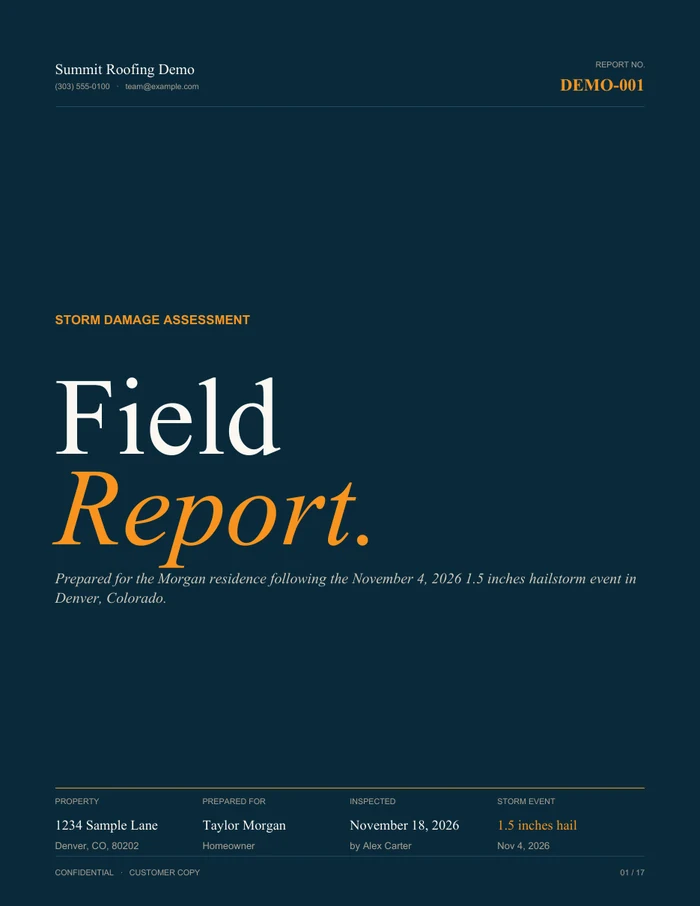
- Branded reports with scope and cost estimates
- PDF downloads and customer or adjuster sharing
- Connected contracts with signature tracking
BUILD FROM THE INSPECTION
Bring the crew’s work into one document.
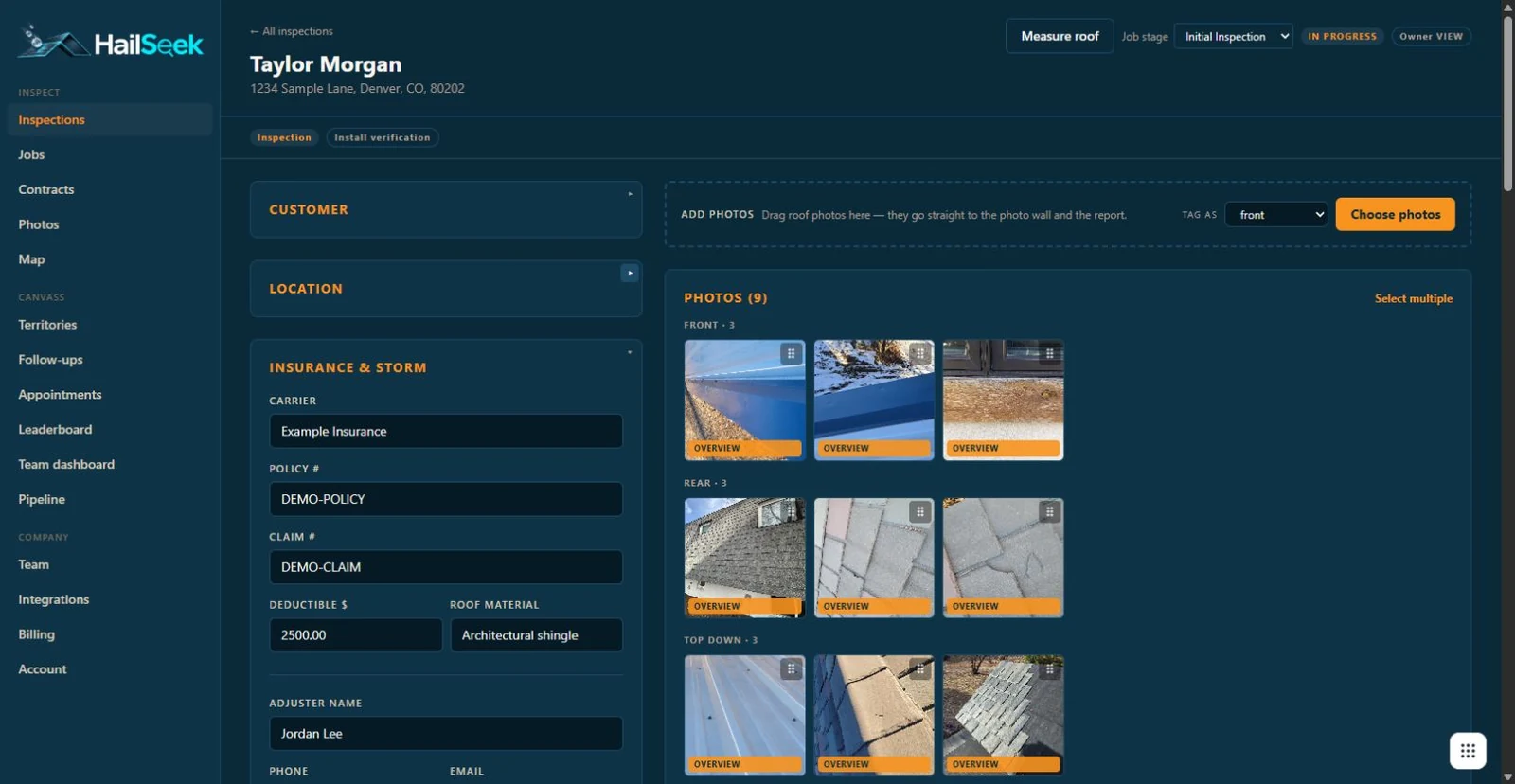
Start with the photos, elevation labels and damage details captured on the property. Add quantities, units and rates to build a priced scope in the same inspection.
The generated PDF brings the branded cover, damage schedule and photo exhibits together with cost estimates and itemized scope when those entries are present. Review the quantities, rates and finished document before sharing.
SHOW THE EVIDENCE
Help the next person see what you see.
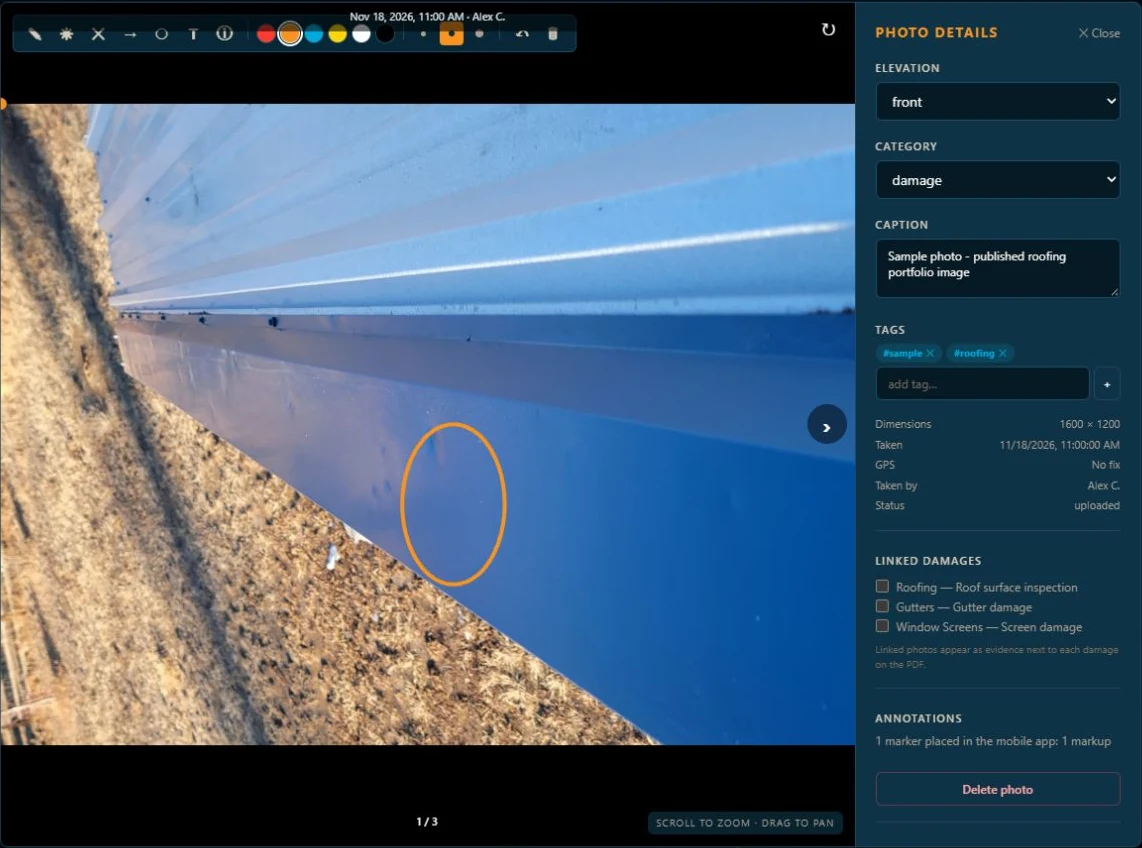
Use marked-up photos to point out the damage and elevation labels to show where it belongs. Give the reviewer a clear path from the written detail to the supporting image.
Refine the inspection and regenerate the report as the scope develops.
SHARE IT AND MOVE FORWARD
Keep the customer conversation connected.
Download the PDF, email or text the customer a report link, and share with an adjuster from the inspection. Report history keeps generated versions available for the team.
Prepare the agreement through the connected PenSnap workflow. The homeowner can sign on the rep’s phone or receive a signing link by text or email; the signed contract is filed under the job’s Documents.
Can HailSeek create customer proposals and estimates?
Yes. Enter or refine quantities, units and rates in the damage editor on the phone or desktop. HailSeek uses those saved entries to create cost estimates and itemized scope in the company-branded PDF, alongside the inspection evidence. Review the scope, quantities, rates and finished document before presenting it to the customer.
Explore estimates and proposalsHow can we share the proposal and inspection evidence?
Download the branded PDF from the inspection or report history. You can email or text a customer a report link and share the inspection with an adjuster. Report history keeps generated versions available, and shared links can be revoked when access is no longer needed.
Can the homeowner sign through HailSeek?
Yes. The connected PenSnap contract workflow supports signing on the rep’s phone or sending a signing link by text or email. Desktop users can send by text or email. Review the agreement details and applicable template before sending; completed contracts are filed under Documents. Cash or retail agreements requiring price terms that this workflow cannot fill are completed through Storm Cloud or PenSnap.
Does a report guarantee carrier acceptance or payment?
No. HailSeek helps organize the evidence and inspection details. Acceptance, scope and payment depend on the claim, policy and the recipient’s review. Your team remains responsible for checking the report and supporting documentation.
BUILT FOR ROOFING COMPANIES
Bring the next job into HailSeek.
Start a 14-day company trial. Card required. Teams has a 2-seat minimum.